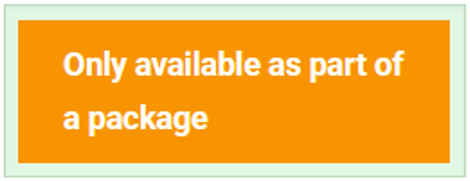
- When creating a Package that you wish for Users to only be able to access the Products upon registering for the Package, you should set the Products within the Package to "Hidden Registration" Product Status. Products set to "Hidden Registration" within the Package means Users can only gain access to the Products by registering for the Package. This is a good way to set up a package where additional products may be added in the future. Should a User land on the Product set to Hidden Registration within the Package, they will see an "Only available as part of a package" message rather that the "Register" button.
When creating a Package containing Products, there are different ways to include the Products and Product Status, depending on what your desired User experience should be.
- If Products are set to "Open for Registration" within the Package, it allows you to set a cheaper price to buy the Package and makes it easier to put one item in the shopping cart. It also offers the flexibility to offer individual sessions without registering for the entire Package should the User only wish to attend specific Products/Sessions.
If you add products to the package after Users have registered, they will need to select the "Activate" button for the Product (Fig. 2).
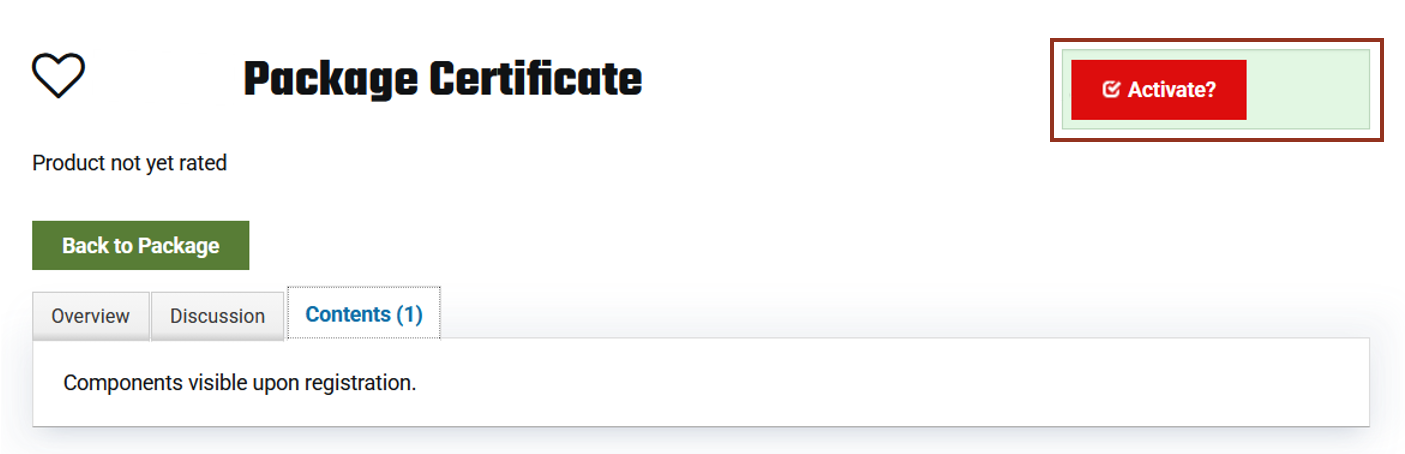
Fig. 2 - Activate button.
- Products set to "Private Registration" (Fig. 3). This hides the register button on the products. Users cannot Activate Products which are added after registration.
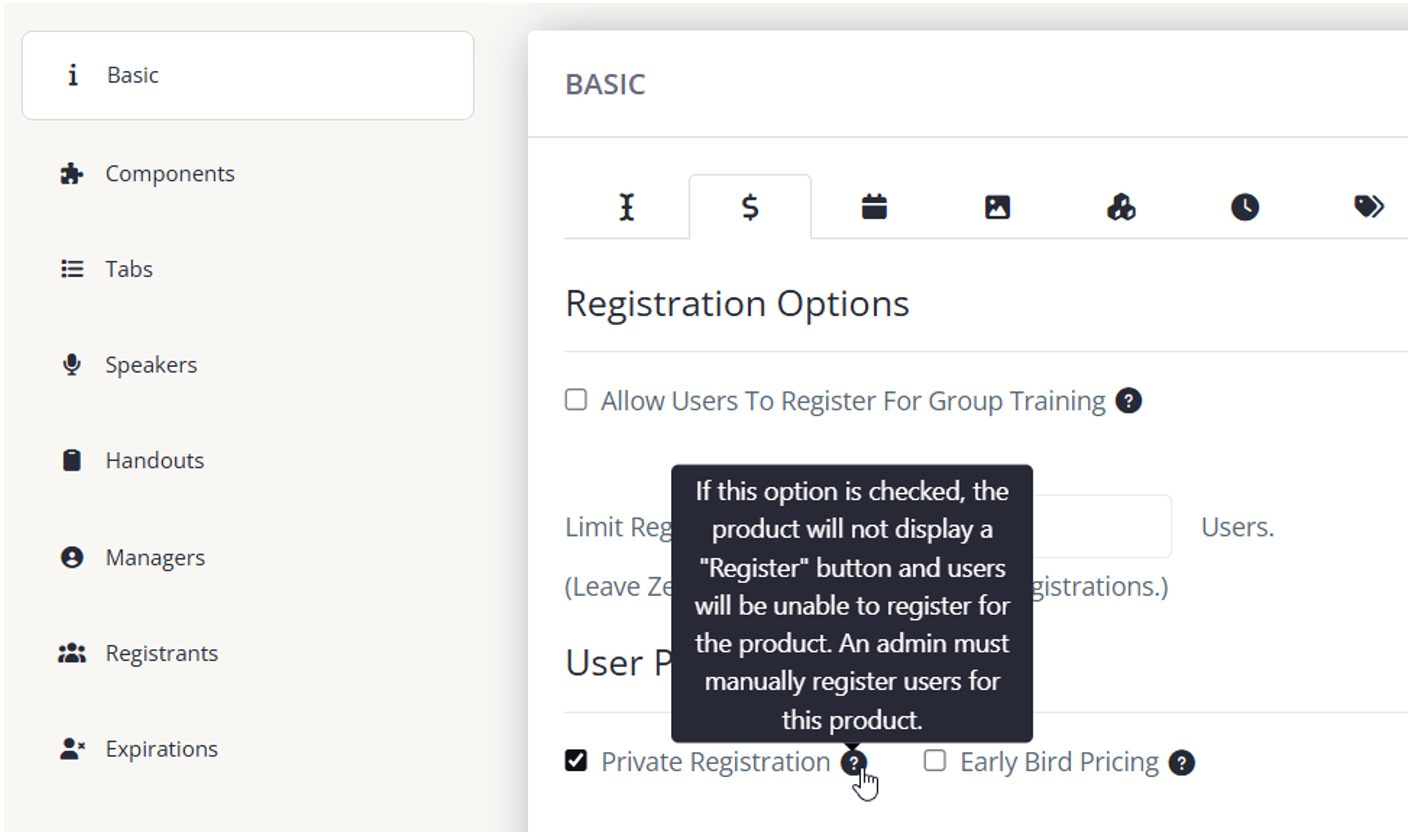
Fig. 3 - Private Registration Setting.
This should only be used when you can guarantee no other products will be added to the package and you have set the Package option to "When user registers for package, register them for all active products in package" (Fig. 4).
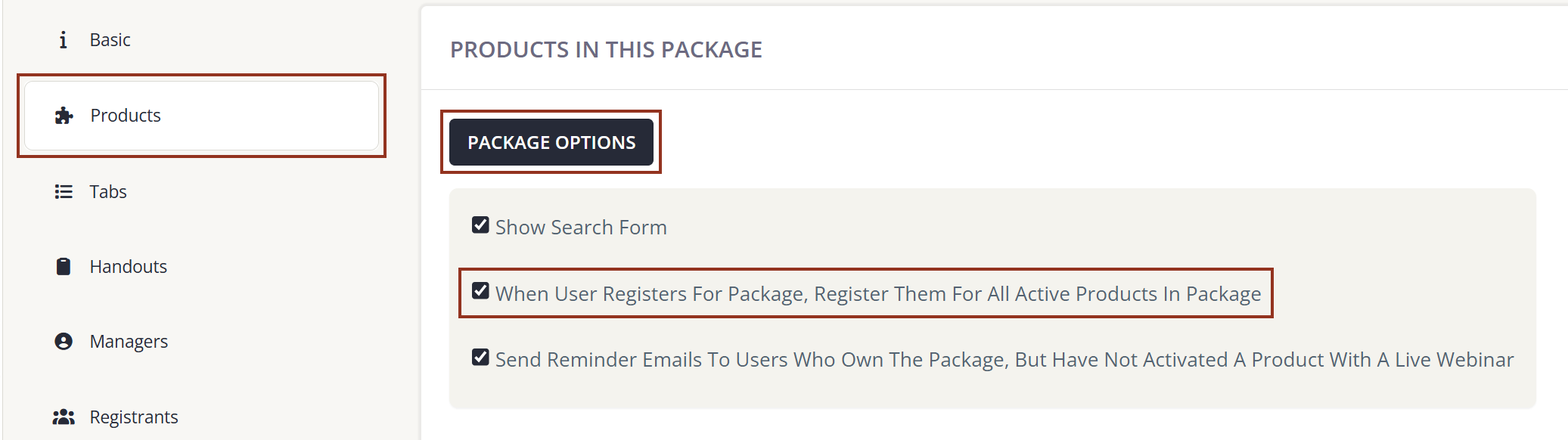
Fig. 4 - Package Options.
There is no completion of a package.
Expiration of a package means the package no longer shows on the user's dashboard but any of the products that are not expired still show. If you are setting an expiration for the Package and wish for the Products to expire at the same time, you will need to set the Expiration on all of the included Products. If you add or update an Expiration date after registrations have occurred, those registrations will not retroactively update.
Last modified Oct 28, 2026
Was this article helpful?
That’s Great!
Thank you for your feedback
Sorry! We couldn't be helpful
Thank you for your feedback
Feedback sent
We appreciate your effort and will try to fix the article